

To outsource video editing, send the footage you already have to an outside editor who cuts, brands and delivers the finished files. Pick one of four models (freelancer, editing subscription, managed agency or production platform), then hand over footage, brand kit and brief as one package with review rounds agreed up front.
This post is about editing only, for teams that already film their own webinars, interviews or product footage. The model you pick matters less than the handover. Most outsourced edits that go wrong were set up wrong.
To outsource video editing, pick one of four models: a freelancer, an editing subscription, a managed agency or a production platform. Choose by volume, how many people review, and whether you need one consistent look across many videos. Then hand over footage, brand kit and brief as one package, and agree two review rounds with one sign-off owner before the first cut.
Why the usual way of outsourcing editing breaks
Most teams start with a freelancer from a referral. The first video goes fine. Then the second one needs the same lower thirds, the same music style and the same end card, and nobody wrote any of that down.
Footage sits on someone's laptop. Brand rules sit in a PDF that says nothing about video. Feedback arrives from four people in four email threads. Every new video restarts the handover from zero.
That works for one video a month. It breaks when you need a recurring series. Picture a marketing team at a SaaS company with designers in-house but nobody who edits video. They have a backlog of webinar recordings and customer interviews. Strategy is done. What they need is cuts shipped every week, and each one sits in a queue because the only person who knows the brand rules is busy.
The four models compared
Each model fits a different volume and a different review load. This table compares them on what we see go wrong in delivery, not on price, because prices vary too much by scope to compare fairly here.
| Model | Best for | Who does the work | Brand consistency | Where it breaks |
|---|---|---|---|---|
| Freelancer | One-off edits, a single owner | One person you manage | Good while the same person stays | Holidays, capacity, no backup |
| Editing subscription | Steady volume of similar edits | A rotating or assigned editor | Depends on the brief and templates | Queues, one request at a time, edits only |
| Managed agency | Large campaigns with a big budget | An account team plus editors | Strong, at a high cost | Slow quotes, long sign-off, scope creep |
| Production platform | Ongoing video and design at volume | A dedicated team plus a platform | Strong, built on a shared brand kit | Needs a clear brief to work well |

A quick way to choose. If you have one owner and one video a month, a freelancer is fine. If you have steady, repeatable edits, a subscription works. If you need editing next to design, motion and the odd shoot, with several reviewers, a platform with a dedicated team holds up best. For a wider look at specific providers, see our guide to video editing companies and agencies.
How to hand over footage in six steps
The handover is where outsourcing succeeds or fails. These six steps work with any of the four models. Build them once and reuse them for every video.
1. Audit the footage
Sort what you have before anyone opens an editor. Name files by date and topic, mark the best takes, and flag anything with audio problems. Upload raw files, not exports from a phone gallery. An editor who spends the first day hunting for the right take is billing you for your filing.

2. Package the brand kit
Put fonts, logo files, colors, lower thirds, intro and end cards, and music rules in one folder. Add do and don't rules for video specifically: how long the logo stays on screen, where captions sit, what never appears. Most brand guidelines skip this, so every editor guesses. Our post on keeping brand consistency across multiple video editors covers what to include.
3. Write the brief
One page per video. State the goal, the audience, the length, the formats, the key message and the call to action at the end of the video. Link to one reference video you like. If you need a template, use our guide to writing a creative brief.
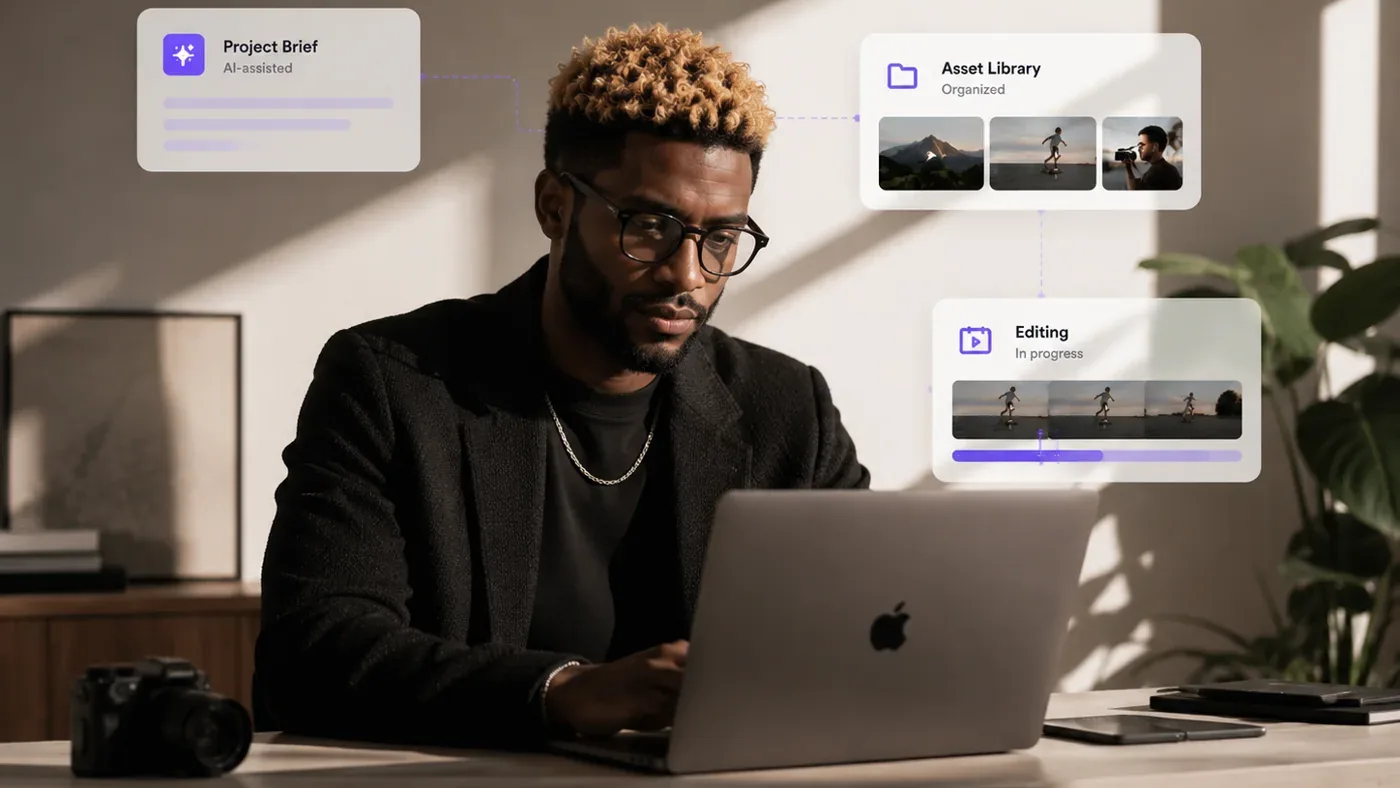
When you brief an edit through SoCreative, the AI platform's brief form asks for these fields and pulls in your saved brand kit, so the second brief takes minutes instead of an hour.
4. Name one sign-off owner
Pick one person who approves the final cut. Others can comment, but one person decides. Without that, notes conflict and the editor gets two opposite instructions for the same scene.
5. Agree two review rounds
Set the target before the first cut: round one for structure and story, round two for polish. Collect every reviewer's notes on the same version, timestamped, and send them back as one list. A note like "make it punchier" costs a round. A note like "cut 0:42 to 0:51, the point repeats" does not.
In SoCreative, several reviewers comment on the same version with timestamps, and the dedicated team works from one collated list per round. For the full method, read our post on the creative review process.
6. Set the delivery spec and reuse it
List every output you need: aspect ratios, lengths, caption files, thumbnail, and the project files. Ask for source files in the contract, not after the final invoice. Then save the whole package (footage folder rules, brand kit, brief template, review rules, delivery spec) as your standard for the next video.
What a clean handover adds up to
The output of one handover is rarely one file. A single webinar recording can become a full edit, a short highlight and a set of social cutdowns in several aspect ratios. Plan those outputs in the brief and the editor cuts them in one pass.
The arithmetic is simple. A team that ships one webinar a week and turns each into three outputs gets 12 finished videos a month from four recordings. Hold every video to two review rounds instead of four and you cut the feedback cycles per month from 16 to 8. That is the difference between an editing queue and an editing system. See how our video editing service runs this, and check pricing for what each output costs.
Frequently asked questions
How much does it cost to outsource video editing?
It depends on the model, the length and the number of outputs. A freelancer charges by the hour or project, while subscriptions and platforms charge a fixed price per period or per output. Our post on how much a video editor costs breaks the options down.
Can we outsource editing if we film everything ourselves?
Yes. Editing only is the most common setup. Send raw files, your brand kit and a brief, and the editor works from your footage.
Who should own the project files?
You should. Put source and project file ownership in the contract before the first edit, so files are never held back until an invoice is paid.
How many review rounds should a video take?
Aim for two: one for structure and one for polish. Collated, timestamped notes from one sign-off owner make that realistic.
How do we keep the same look across many outsourced videos?
Use one brand kit with video-specific do and don't rules, reuse the same brief template, and keep the same dedicated editor or team on the work.
team in your companyMarketing, sales, comms and L&D on one
plan, with the same trusted team.Book a demo

Written with AI assistance and reviewed by the SoCreative team.